Table of Contents Show
You do not need to appear on camera.
You do not need a ring light, a studio, a microphone on a boom arm, or the confidence to talk to a lens. Some of the most consistently profitable YouTube channels in the world show nothing but text, stock footage, simple animations, or screen recordings. The creator is invisible. Completely invisible. And the ad revenue still shows up every month.
I want to show you exactly how to start a faceless YouTube channel from your phone — from picking your niche to uploading your first video — because this is one of the most underused income methods for people who want to build something quietly, without putting their face or life on display.
What Is a Faceless YouTube Channel and How Does It Make Money?
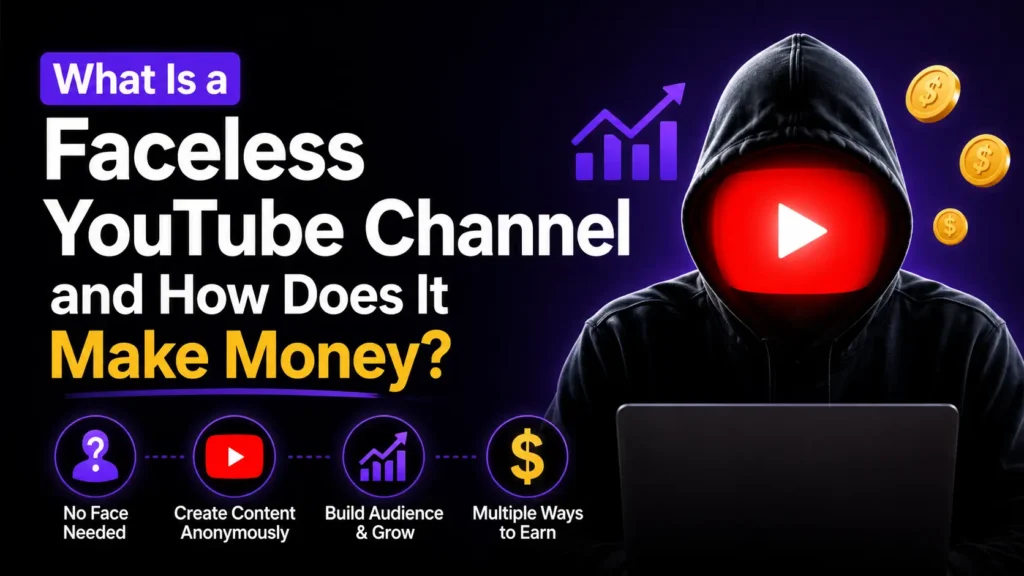
A faceless YouTube channel is a channel where the creator never appears on screen. There is no vlogging, no talking head, no personal branding. The content is built entirely from one or more of these:
- Stock video footage
- Screen recordings
- Simple text animations
- AI-generated or text-to-speech voiceovers
- Royalty-free background music
The channel earns money through YouTube’s Partner Program, which places ads on your videos and pays you based on how many times those ads are viewed. Once your channel reaches 1,000 subscribers and 4,000 watch hours, you can apply to monetize. After that, every video in your library earns ad revenue every single day — whether you upload that day or not.
That is the asset. Not one video. The entire library. You build it video by video, and the income compounds as the library grows.
Step 1: Pick the Right Niche for a Faceless Channel
Not every niche works without a face. Cooking channels work better with someone cooking. Travel channels need someone traveling. But a huge range of niches perform extremely well with no creator on screen.
Faceless YouTube niches that consistently earn ad revenue:
- Ambient and study sounds (rain, fireplace, café noise, lo-fi music compilations)
- History and true crime narrations (voiceover or text-to-speech over stock footage)
- Book summaries and honest reviews
- Daily stoic, motivational, or philosophical quotes
- Finance and budgeting tips (screen recording over simple slides)
- Guided meditations and breathwork
- Language learning videos (text-based lessons, no teacher required)
- Recipe narrations with stock food footage
- “How-to” tutorials using screen recordings
The best niche for you is one you can produce at least fifty videos about without running dry. Look for topics where the video does not need personality — it needs information, atmosphere, or instruction.
Step 2: Study 3 Successful Faceless Channels Before You Start
Before creating anything, spend one hour on YouTube studying channels in your chosen niche that have no face on screen.
Search your niche topic and then look at the channels that appear. Click into the ones with no thumbnails showing a person. Watch how they structure their videos. Notice how long the videos are. Read the comments to see what viewers want more of.
You are not copying them. You are understanding what works, what gaps exist, and what you can do differently or better.
The channels that earn the most in faceless niches are the ones that understood their audience before they created their first video.
Step 3: Gather Your Free Tools (Everything on Your Phone)
You do not need to buy anything. Here is the complete free toolkit for a phone-only faceless channel:
For footage: Pexels — free stock videos, no attribution required. Download directly to your phone. The Pexels app makes searching and saving clips fast.
For editing: CapCut (free app, available on Android and iOS) — this is the most capable free video editor available on mobile. You can cut clips, add text overlays, add music, adjust speed, and export in HD. It handles everything a faceless channel needs.
For voiceovers: Use your own voice recorded through your phone’s voice memo app — even a basic phone microphone is good enough for YouTube. Alternatively, use a free text-to-speech tool like ElevenLabs’ free tier for a more polished AI voice.
For thumbnails: Canva (free) — create a bold, simple thumbnail in minutes on your phone. Faceless channel thumbnails usually use a large bold title, a simple background, and no face. Clean and readable beats elaborate.
For music: YouTube’s own Audio Library — found inside YouTube Studio under the left menu — provides free, royalty-free music you can use in your videos without copyright issues.
That is everything you need. All free. All on your phone.
Step 4: Create Your First Video From Start to Finish
Here is the exact process for making your first faceless video on your phone:
1. Write a simple script or outline. Even three bullet points work. Know what your video will cover before you start collecting footage. For a five-minute video, you need roughly 600 to 700 words of narration — about half the length of a typical blog article.
2. Record your voiceover. Open your voice memo app. Read your script in a calm, clear voice. Do not worry about perfection. You can re-record sentences individually and cut them together. Record in a quiet room with the door closed, even a closet or bathroom works.
3. Collect your footage. Open the Pexels app. Search terms that match your topic. Download five to ten short clips. You will cut between them as the narration plays.
4. Edit in CapCut. Open CapCut. Add your voiceover as the audio track. Lay your stock clips over it in order. Trim each clip to match the narration. Add text overlays where helpful — a title at the start, key points on screen. Add background music at low volume (use a track from YouTube Audio Library). Export in 1080p.
5. Create your thumbnail in Canva. Bold title. Simple background. High contrast. Readable on a small screen.
Your first video is done.
Step 5: Upload and Optimize for Search
On your phone, open the YouTube app. Tap the plus icon and select “Upload a video.” Select your exported video from CapCut.
While it uploads, fill in:
Title: Use the exact phrase someone would search on YouTube. “3 Hours of Rain Sounds for Deep Sleep.” “The Stoic Morning Routine That Changed My Life.” “How to Budget $1,500 a Month for a Family.” Be specific. Vague titles get passed over.
Description: Write three to five sentences explaining what the video covers. Include your main keyword phrase in the first sentence. Add timestamps if your video has clear sections.
Tags: Add eight to twelve tags. Mix broad terms (“rain sounds,” “sleep sounds”) with specific phrases (“heavy rain sounds for studying,” “rain sounds no thunder”).
Thumbnail: Upload the one you made in Canva.
Category and audience settings: Choose the most relevant category. Mark the video as “Not made for kids” unless it genuinely is — this affects your ad eligibility.
That is all YouTube needs from you. Publish it.
Step 6: Build the Library Consistently
One video will not change your income. Fifty videos will.
The channels that earn real money from faceless content have libraries. Each video is an asset that earns a small amount every day. The more videos you have indexed and ranking, the more overall daily income your channel generates. The income compounds as the library grows and as YouTube’s algorithm learns what your channel is about.
Aim to publish one video per week. That is a realistic pace for a phone-only creator with limited time. In six months, you have twenty-five videos. In a year, you have fifty. And every single one of those videos is still earning ad revenue from views it gets months or years after upload.
Step 7: Apply for Monetization and Keep Building
YouTube’s Partner Program requires 1,000 subscribers and 4,000 watch hours in the past twelve months. Those numbers sound large when you are starting with zero, but they are achievable with consistent uploading in a niche with genuine search demand.
Once you are monetized, every view on every video in your library generates income. A video you uploaded in month two will still be earning in year three.
You can also add affiliate links in your video descriptions from day one — before you are monetized. Recommend a free tool you use in your videos and link to it. If anyone clicks and purchases through your link, you earn a commission. This means your channel can generate income before it even qualifies for ads.
For the official requirements and current rates, YouTube’s Partner Program page has the most accurate and up-to-date information.
The Honest Part
Your first videos will probably not perform well. Most of them will not. YouTube’s algorithm takes time to understand your channel and test your content with different audiences.
What kills most faceless channels is quitting after five videos. The creators who win are the ones who treat the first twenty videos as tuition — not as failures. Each one teaches you what your audience responds to, what thumbnail style gets clicks, what topics generate watch time.
You are not an overnight success. You are building a library that earns for years. The only way to fail is to stop uploading.
Your First Video Starts Tonight
Open Pexels. Pick a topic. Write three bullet points. Record your voice. Edit in CapCut. Upload.
You do not need to be on camera. You do not need a professional setup. You need one video published, because nothing earns on a hard drive.
Start a faceless YouTube channel from your phone tonight, and in six months you will have an asset that earns while you sleep, while you cook, while you take care of your kids — with no one ever knowing your face.
What niche are you starting with?
Disclosure:
This article may contain affiliate links. If you make a purchase through these links, I may earn a small commission at no extra cost to you. I only recommend platforms and tools I have personally researched or tested. This is not financial advice — your results may vary.